unixroandGitHub
c4cbbdb51b
unixroandGitHub
c4cbbdb51b
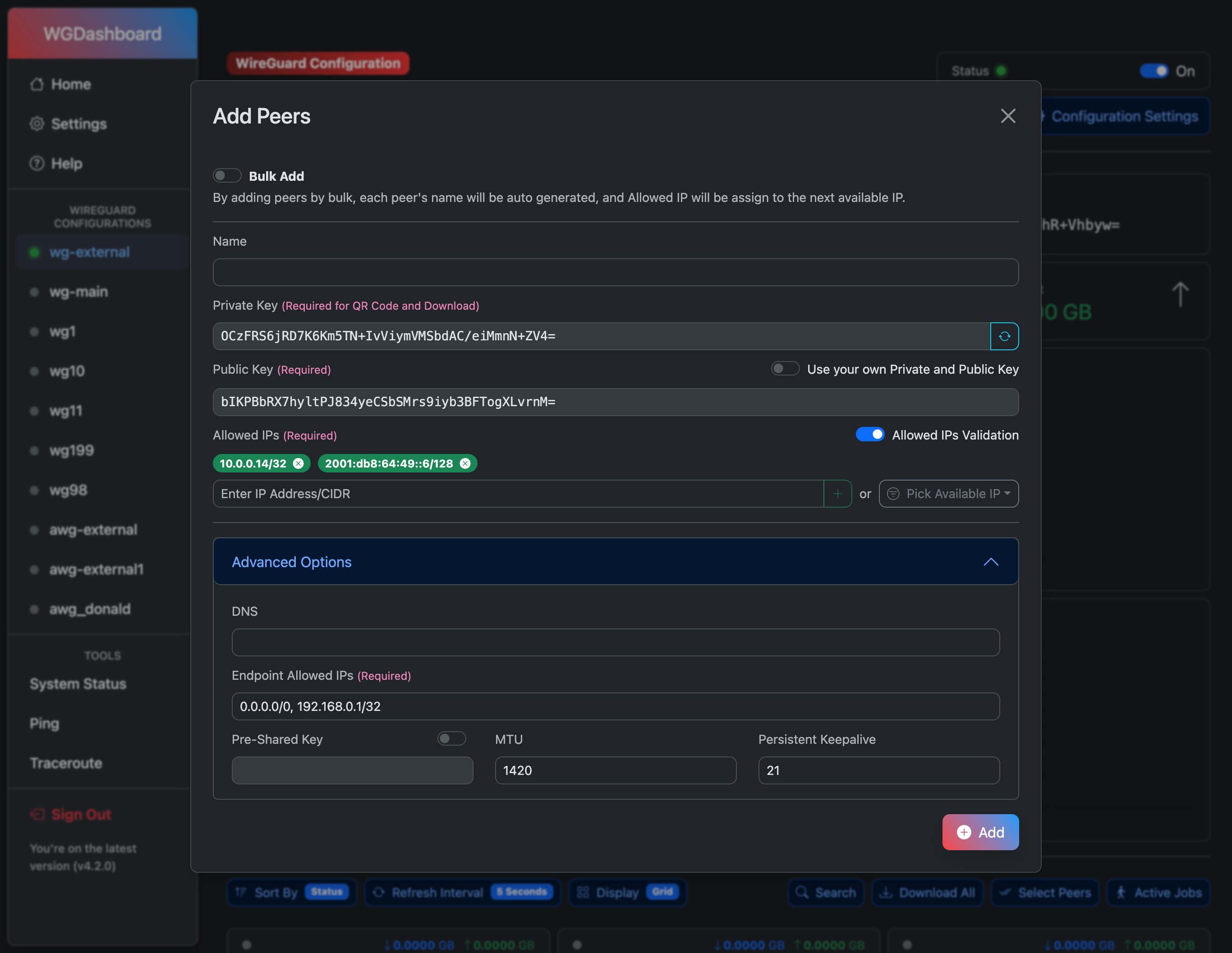
* fix: addPeers uses OverridePeerSettings for DNS and AllowedIPs fallback

When adding a peer via the API without explicit DNS or endpoint_allowed_ip
values, the endpoint fell back directly to global wg-dashboard.ini defaults,
ignoring any per-configuration OverridePeerSettings. This caused new peers to
be stored with the wrong DNS and AllowedIPs in the database even when the
configuration had overrides set.

Resolve by fetching the configuration's OverridePeerSettings before the global
defaults. The priority is now: request body → OverridePeerSettings → global
default. The existing config lookup that happened later in the function is
removed as it is now done earlier.

Note: downloadPeer already applied OverridePeerSettings at download time, so
client configs were correct; only the stored peer data was affected.

* fix: addPeers applies OverridePeerSettings for MTU and PersistentKeepalive

Extend the peer-settings priority chain (request body → OverridePeerSettings
→ global default) to MTU and PersistentKeepalive, matching the same pattern
already applied to DNS and EndpointAllowedIPs.

* style: align addPeers OverridePeerSettings fallback with project code style
Warning
All users running WGDashboard v4.2.x or later and hosted on the public internet are strongly advised to update to the latest release immediately. For more information: v4.3.2 Release
Tip
🎉 To help us better understand and improve WGDashboard’s performance, we’re launching the WGDashboard Testing Program. As part of this program, participants will receive free WireGuard VPN access to our server in Toronto, Canada, valid for 24 hours or up to 1GB of total traffic—whichever comes first. If you’d like to join, visit https://wg.wgdashboard.dev/ for more details!


WGDashboard






This project is supported by

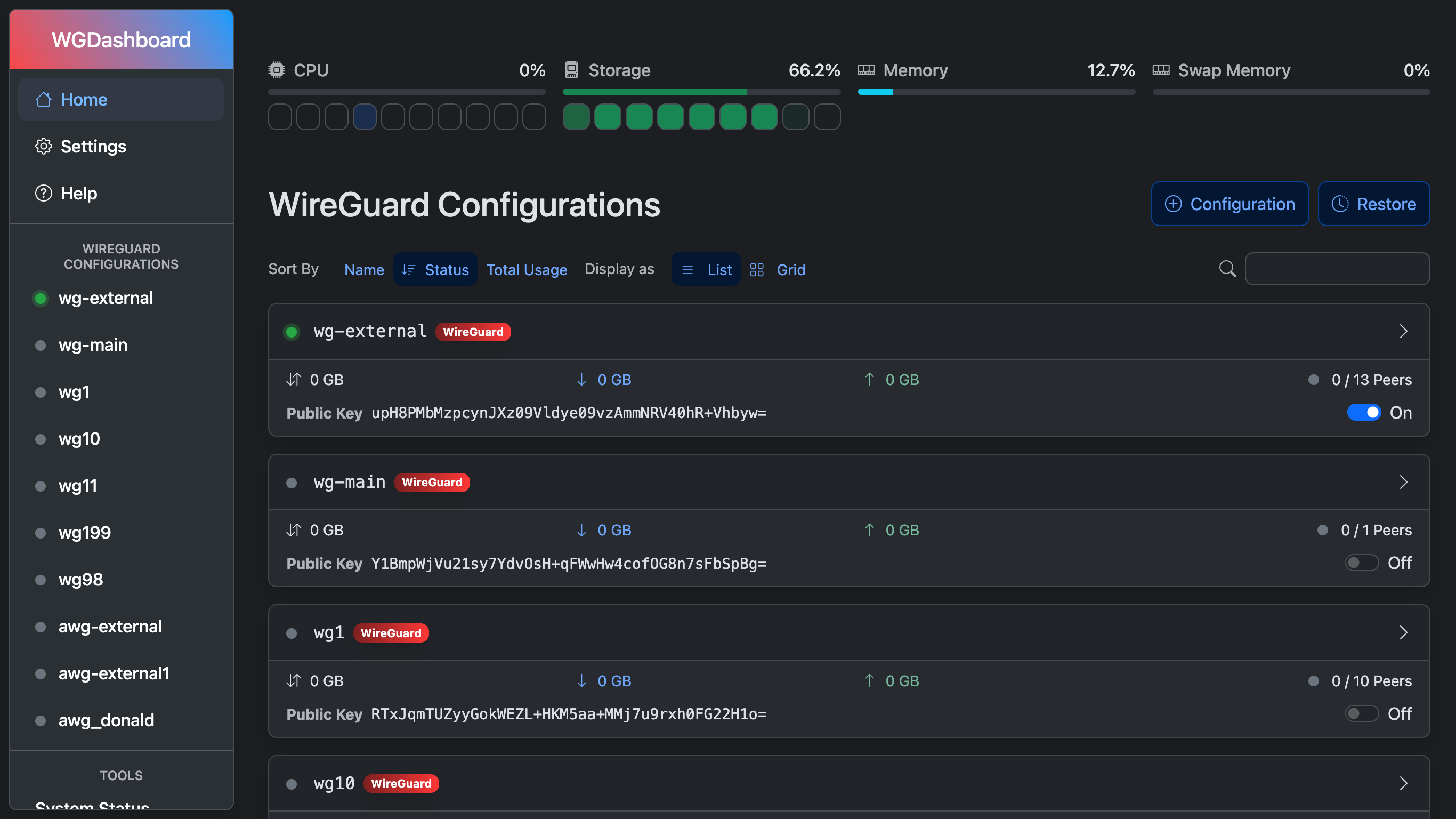
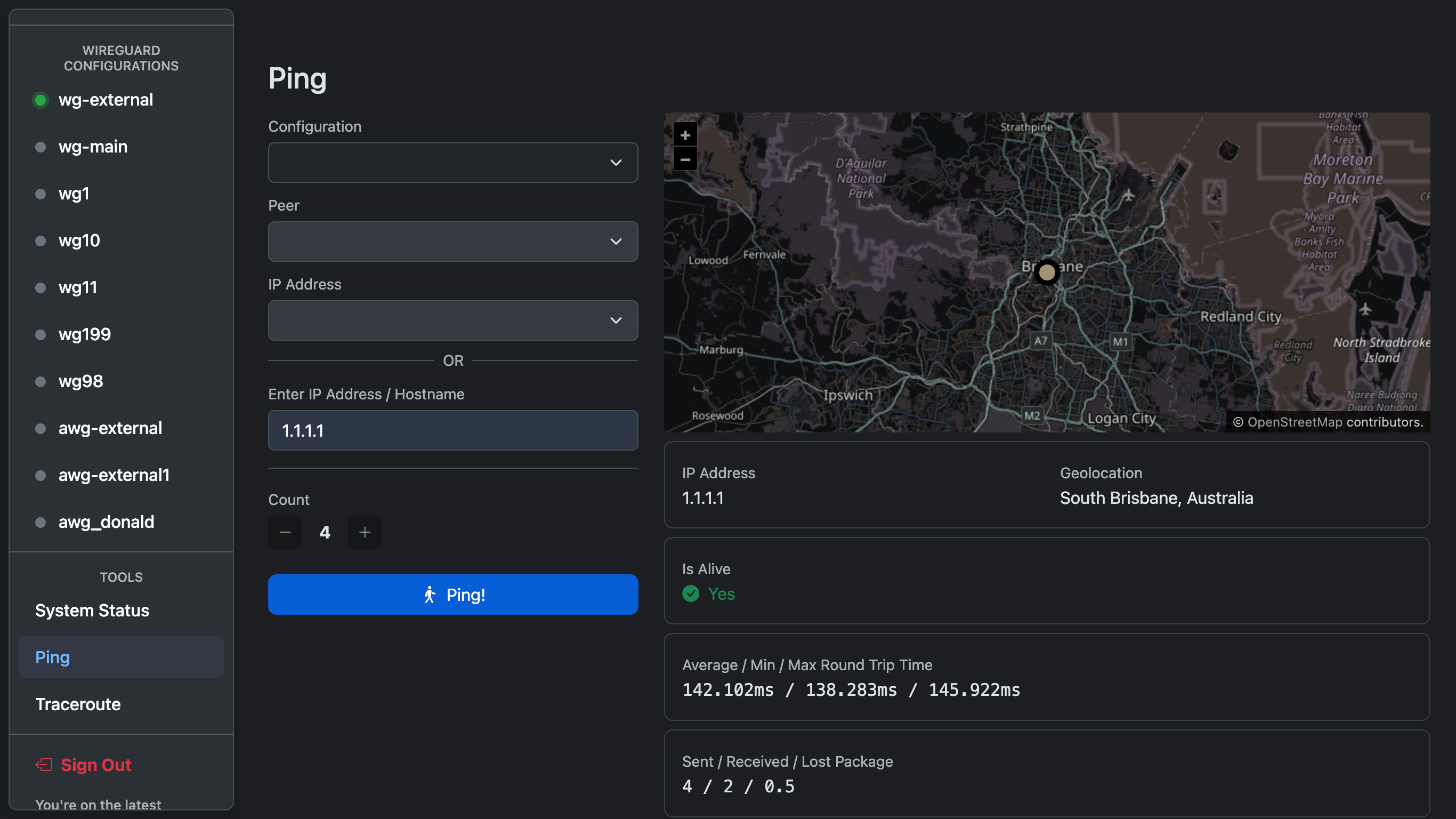
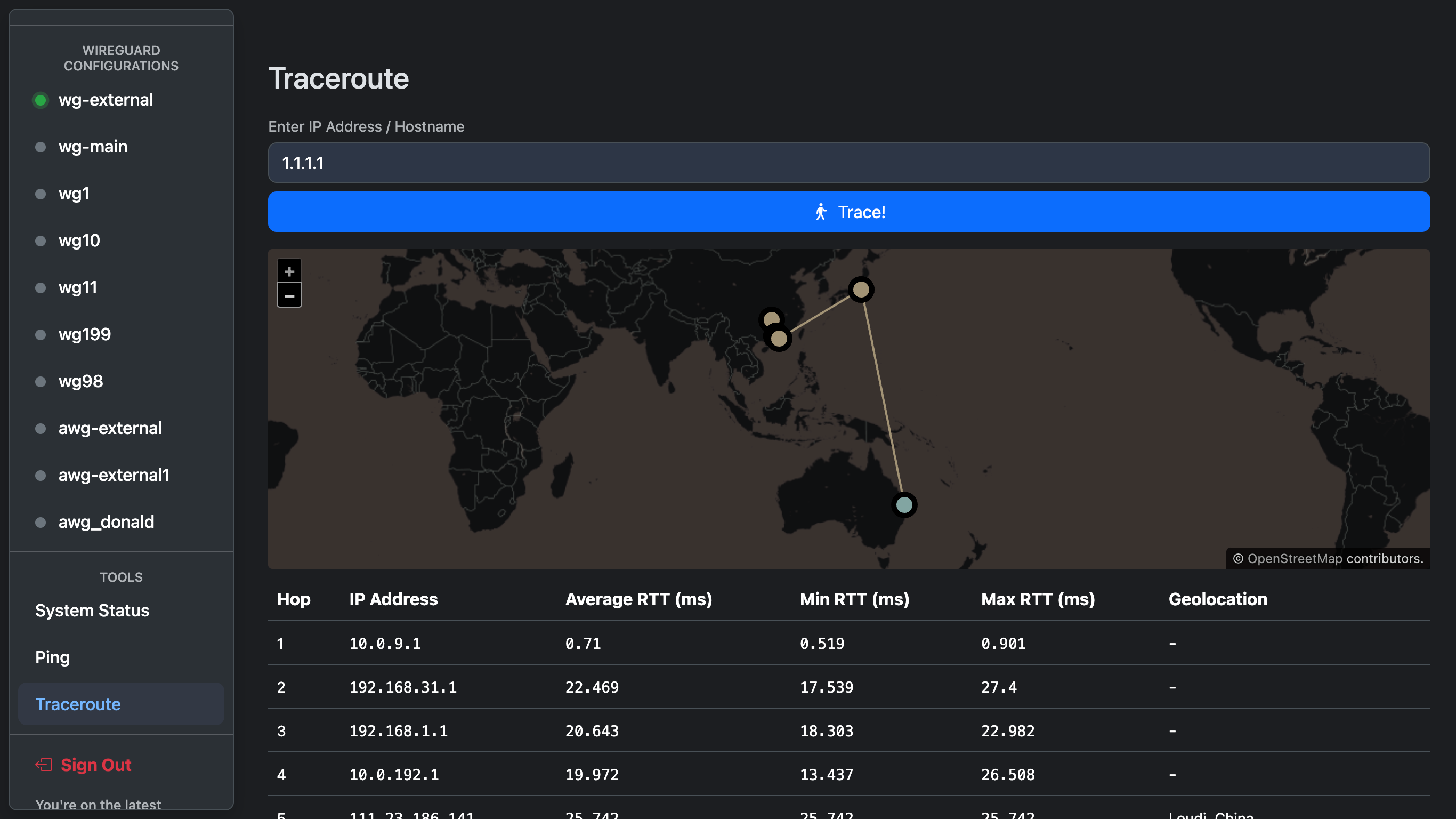
Monitoring WireGuard is not convenient, in most case, you'll need to login to your server and type wg show. That's why this project is being created, to view and manage all WireGuard configurations in an easy way.
Though all these awesome features are present, we are still striving to make it easy to install and use
This project is not affiliated to the official WireGuard Project
Looking for help or want to chat about this project?
You can reach out at



Want to support this project?
You can support via



or, visit our merch store and support us by purchasing a merch for only $USD 17.00 (Including shipping worldwide & duties)

for more information, visit our
Official Website
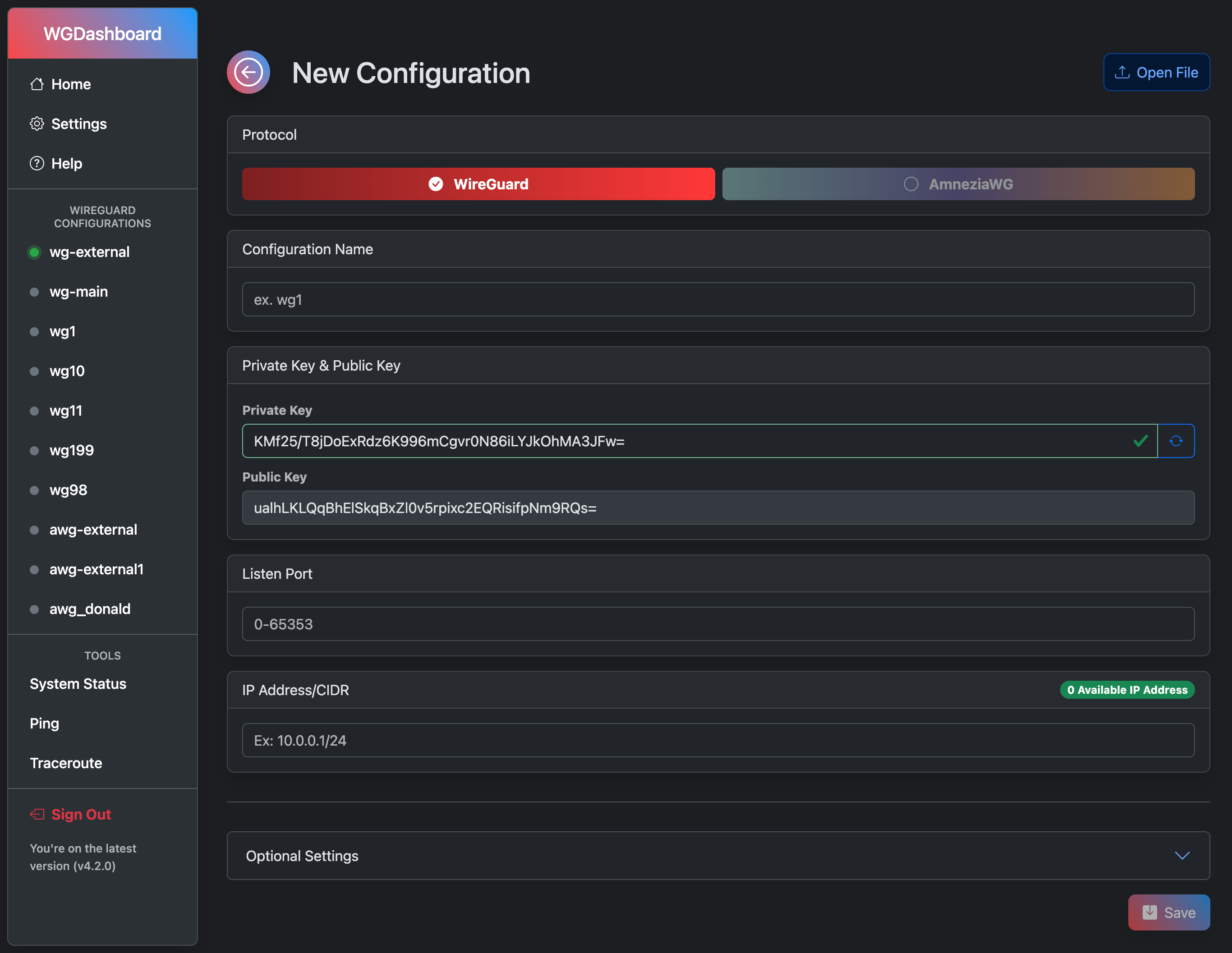
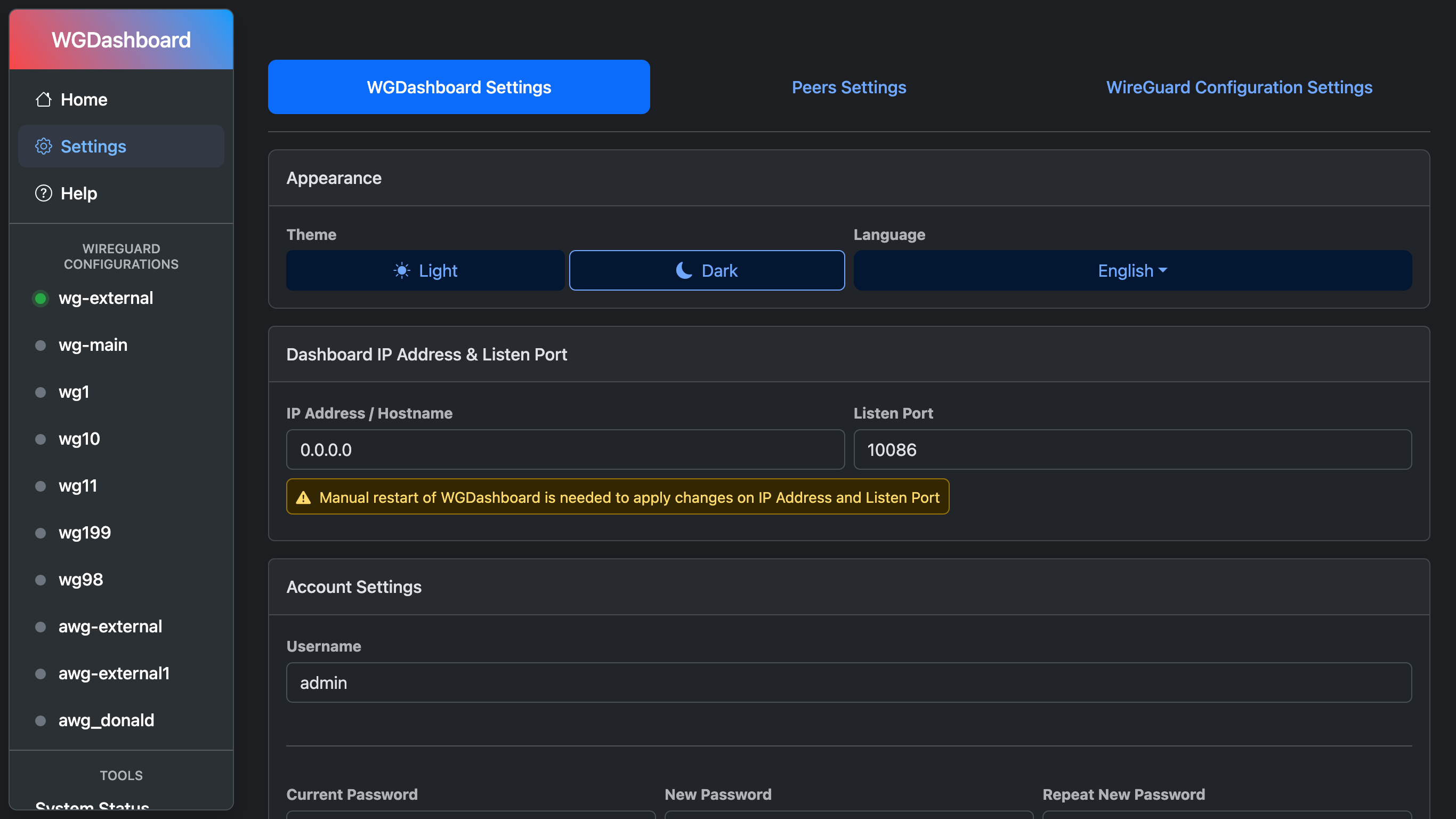
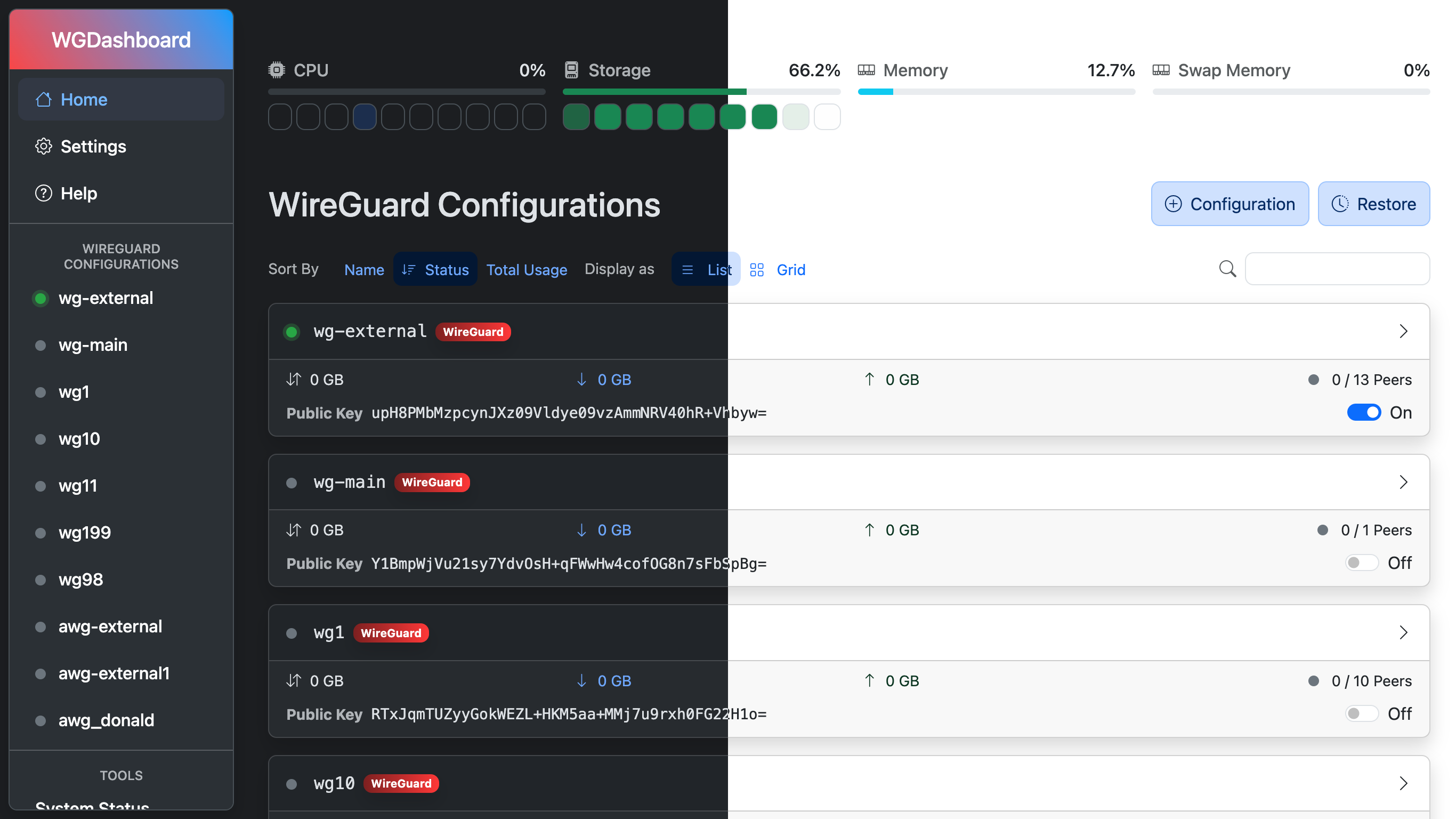
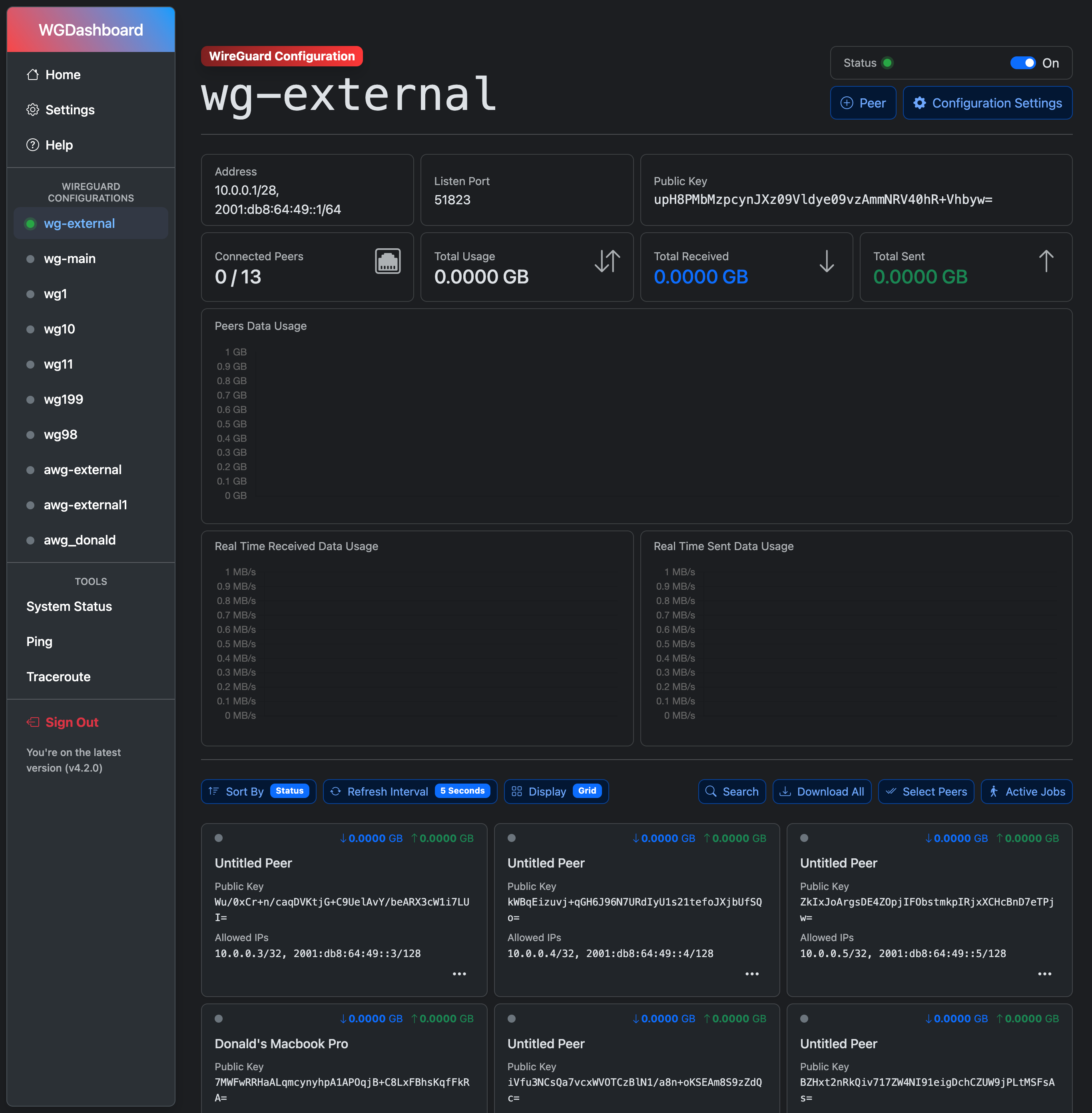
Screenshots